
Inventory reports
Stock on hand and its value, how old your stock is, what sells, what's committed, and every movement in a period.
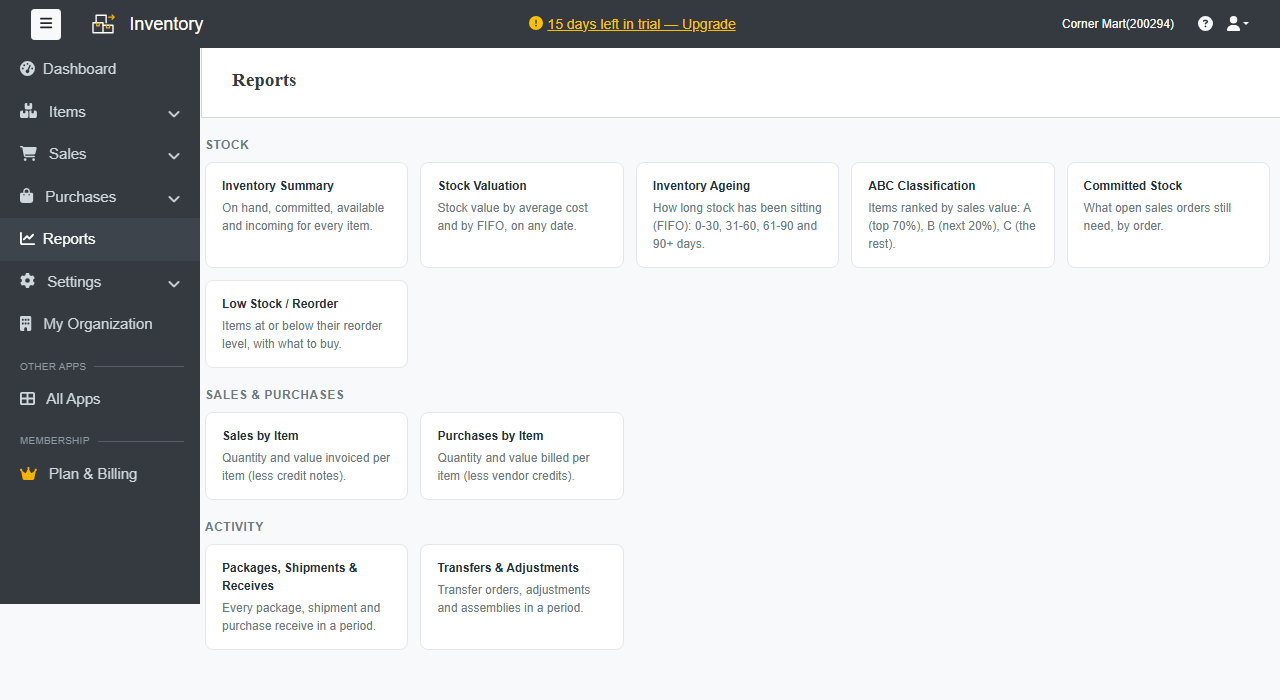
Go to Reports and click a report. Choose the period or date, and the Warehouse if you have more than one. Export any report to Excel, or print it.
Stock
| Report | Shows |
|---|---|
| Inventory Summary | On hand, committed, available and incoming for every item. |
| Stock Valuation | Stock value by average cost and by FIFO, on any date. |
| Inventory Ageing | How long stock has been sitting (FIFO): 0–30, 31–60, 61–90 and 90+ days. |
| ABC Classification | Items ranked by sales value: A (top 70%), B (next 20%), C (the rest). |
| Committed Stock | What open sales orders still need, order by order. |
| Low Stock / Reorder | Items at or below their reorder level, with what to buy. |
Sales and purchases
- Sales by Item: quantity and value invoiced per item, less credit notes.
- Purchases by Item: quantity and value billed per item, less vendor credits.
Activity
- Packages, Shipments & Receives: every package, shipment and purchase receive in a period.
- Transfers & Adjustments: transfer orders, adjustments and assemblies in a period.
Advanced reports are part of the Standard plan and above.
Weekly summary
Turn on Weekly summary email under Settings › Business settings › Preferences. Every Monday morning, Inventory admins get low stock, what to ship and receive, and the stock value.