
Business settings
Your business profile, GST details, invoice look, numbering, books, reminders and currencies, all on one page with tabs.
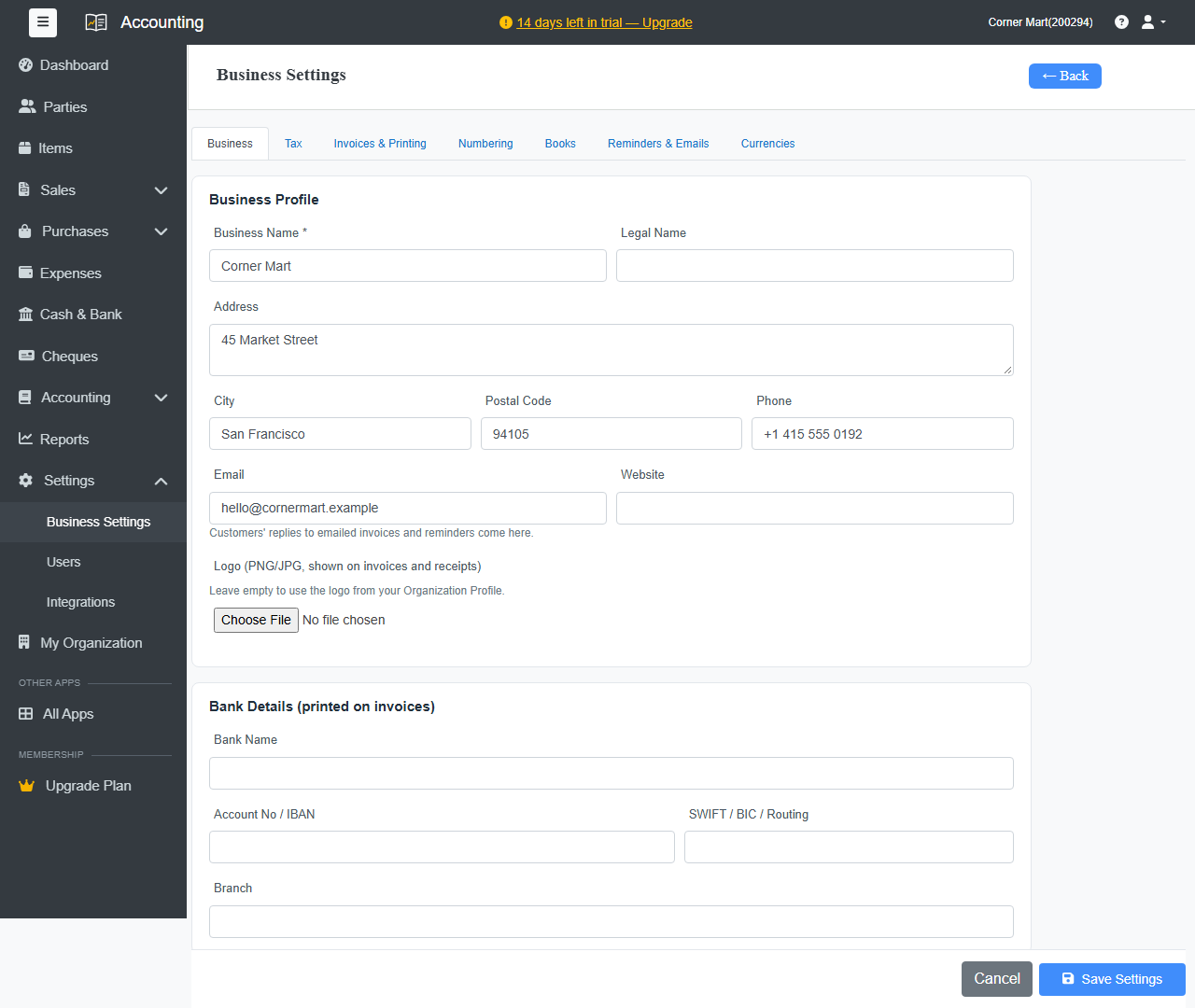
Go to Settings › Business Settings. Each tab saves with Save Settings at the bottom.
Business
- Business Name, Legal Name, Address, City, Postal Code, Phone, Email and Website: printed on your invoices. Customers' replies to emailed invoices and reminders go to this email.
- Logo: a PNG or JPG shown on invoices and receipts. If you leave it empty, the logo from your Organization Profile is used.
- Bank Details: printed on invoices so customers know where to pay.
GST
- Turn on GST registered business to charge GST on invoices.
- Enter your GSTIN and choose your State. The state decides whether an invoice gets CGST + SGST (same state) or IGST (another state).
- PAN
- Extra GST rates: only if you need a rate that isn't in the standard list.
- LUT / bond number (ARN): for exports without paying IGST. It's printed on invoices to customers set to export under LUT.
See GST setup.
Invoices & Printing
- Terms & Conditions and Footer note: printed on every invoice.
- PDF paper size, Orientation and Text size for invoices, bills and receipts.
- Print & Share Options: choose what invoices show, such as the tax summary table, amount in words, bank details, signature block, logo and the customer's balance.
Numbering
Set the prefix and next number for each kind of document, for example INV-0001.
Books
- Books start date: opening balances are dated on this day.
- Lock books till: entries on or before this date can't be added, changed or deleted, for example after you file a tax return.
- Financial year starts in
- Round off invoice totals
- Track stock of goods and Value stock at: weighted average cost suits most businesses. Change it only if your accountant advises.
Reminders & Emails
- Automatic Payment Reminders: email customers about unpaid invoices before the due date, on the due date, and after it. See Email invoices and reminders.
- Weekly Summary Email: admins get last week's sales, payments, overdue amounts and cash every Monday.
- Recurring Invoices: whether new recurring invoices are only created, or created and emailed.
Currencies
The currencies you bill in besides your own. See Multi-currency.