
Financial reports
Profit and loss, balance sheet, what customers owe you and what you owe, and every register, ready whenever you need them.
Go to Reports and click a report. Choose the period at the top. Download any report as Excel or PDF, or print it.
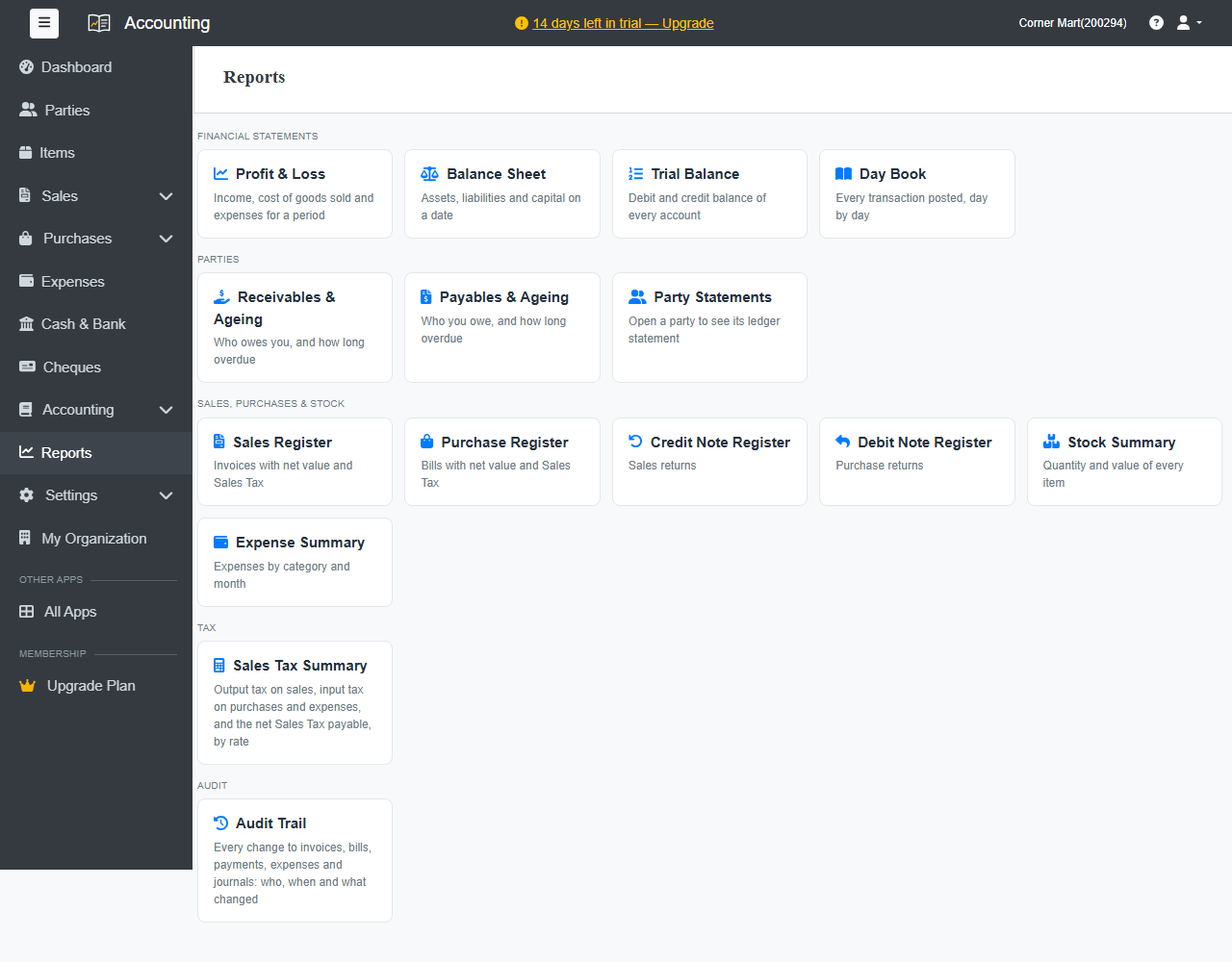
Financial statements
Standard plan and above.
| Report | Shows |
|---|---|
| Profit & Loss | Income, cost of goods sold and expenses for a period. |
| Balance Sheet | Assets, liabilities and capital on a date. |
| Trial Balance | The debit and credit balance of every account. |
| Day Book | Every transaction posted, day by day. |
Parties
| Report | Shows |
|---|---|
| Receivables & Ageing | Who owes you, and how long it's overdue. |
| Payables & Ageing | Who you owe, and how long it's overdue. |
| Party Statements | A customer's or supplier's full ledger. Open a party to see it. |
Sales, purchases and stock
Sales Register, Purchase Register, Credit Note Register, Debit Note Register, Stock Summary and Expense Summary.
Tax
Your tax summary. See Tax summary.
Audit
Audit Trail: every change to invoices, bills, payments, expenses and journals, with who made it and when.
Weekly summary email
Admins can get a summary every Monday morning: last week's sales and payments, overdue amounts, bills to pay and the cash and bank balance. Turn it on in Settings › Business Settings › Reminders & Emails.