
CRM reports
See your pipeline, wins and losses, forecast, team performance, lead sources and why deals are lost.
Go to Reports and click a report. Choose the period and the person, and export to Excel.
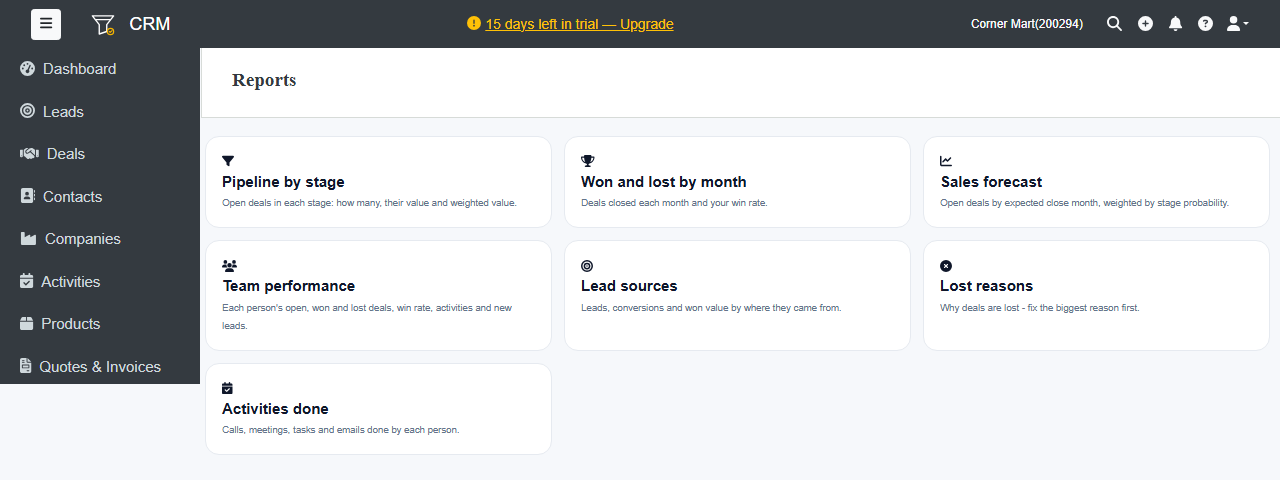
| Report | Shows |
|---|---|
| Pipeline by stage | Open deals in each stage: how many, their value and weighted value. |
| Won and lost by month | Deals closed each month and your win rate. |
| Sales forecast | Open deals by expected close month, weighted by stage probability. |
| Team performance | Each person's open, won and lost deals, win rate, activities and new leads. |
| Lead sources | Leads, conversions and won value by where they came from. |
| Lost reasons | Why deals are lost. Fix the biggest reason first. |
| Activities done | Calls, meetings, tasks and emails done by each person. |
Pipeline by stage and Won and lost by month are on every plan. The other reports, and Excel export, are part of the Professional plan and above.